 Handpicked
Best 3D Printers for 2026
FDM, Resin and Multicolor Compared
8 models compared · $236–$1,000
Handpicked Reviews
Editorial picks, compared and dated.
 By Kwame BoatengKwame Boateng · 3D Printing EditorPublished in September 2026
The first decision is not the brand, it is the material: filament printers are for functional partsand big objects, resin printers are for small detail and miniatures, and they are notinterchangeable. The second decision is build volume, because it decides what you can print in onepiece. We compared eight current machines from $236 to $1,000 on build volume, real print speedagainst quality, enclosure and the running cost of the material.
This site is reader-supported. We may earn a commission when you buy through links on this page.
At A Glance: Our Top Picks


Top 8 3D Printers
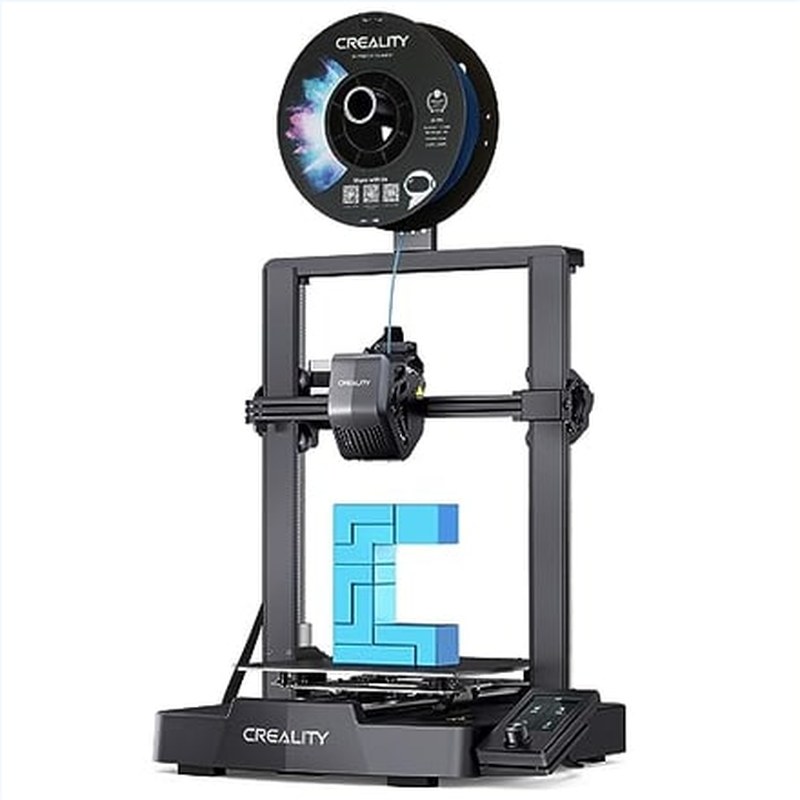
Creality Ender 3 V3 SE 3D Printer 250mm/s Faster Printing Speed CR Touch Auto Leveling Dual Z-Axis Auto Filament Loading Ender 3D Printer (Ender 3 SE Pro)
- 220 x 220 x 250 mm
- Auto-levelling bed
- 250 mm/s, best budget FDM
Creality SPARKX i7 Autofill 3D Printer, Auto Filament Load and Refill 500mm/s High Speed Auto-Leveling AI Photo to 3D Printing RGB Light 95% Pre-Assemble Low Noise 260x260x255 mm
- Auto filament loading
- Beginner-friendly setup
- Enclosed-ish frame
Anycubic Kobra 3 V2 3D Printer Only, New Upgrade AI Cameras Improved Auto-Leveling Max 600mm/s Print Speed Details Better, Multicolor 3D Printing Need with Additional ACE Pro 10.0'' x 10.0''
- AI camera monitoring
- Auto-levelling
- Good value mid-range FDM

Anycubic Kobra S1 ACE 2 Pro Combo 3D Printer with ACE 2 Pro, Auto Leveling
- Multicolor ACE 2 Pro combo
- 250 mm build
- Enclosed for ABS
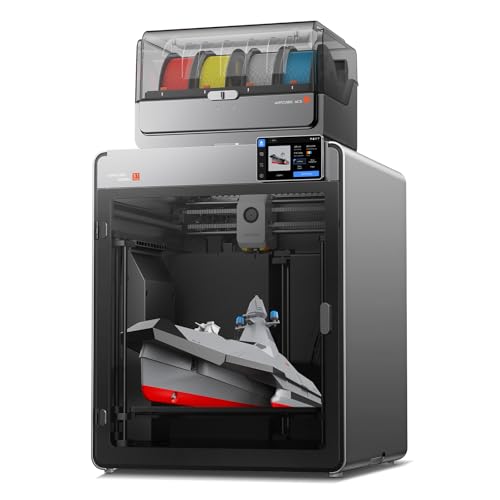
Anycubic Kobra S1 Max Combo 3D Printer, Large Build Size 350x350x350 mm³
- 350 mm cubed build volume
- Large-format FDM
- Covers helmets and enclosures
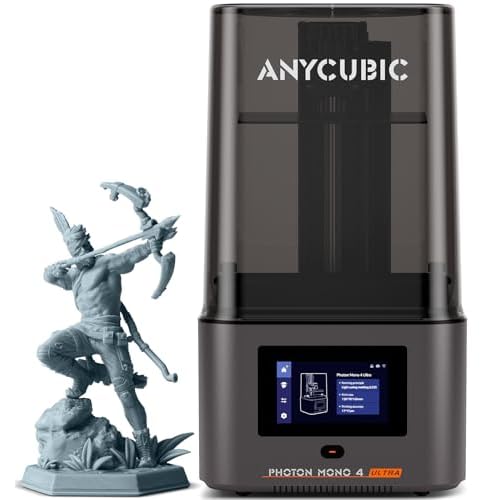
ANYCUBIC Photon Mono 4 Ultra 10K Resin 3D Printer, 7'' HD Mono Screen
- 10K mono LCD resin
- 7-inch screen
- Best budget resin detail

ANYCUBIC Photon P1 Resin 3D Printer with Auto-Leveling 3.0
- Auto-levelling resin
- Faster exposure times
- Best all-round resin

ANYCUBIC Photon P1 Max, Large Resin 3D Printer with Smart Tank Heating
- 18.3 L large resin volume
- 20% commission tier
- For big detailed prints
Buyer's Guide
Filament or resin, first
Filament (FDM) printers are cheaper per part, print large objects, and are safe to keep in a spare room with basic ventilation. Resin printers produce detail no filament machine can match, and require gloves, a wash and cure step, and a ventilated space. If you want miniatures or dental-style precision, buy resin. For everything else, buy filament.
Build volume decides what is possible
A 220 x 220 mm bed covers most functional parts. Large-format machines around 350 mm cubed let you print a helmet or a full-size enclosure in one piece, and they cost roughly twice as much and take up real desk space. Measure the object you actually want to print before you choose.
Speed claims are not print speed
A printer advertised at 600 mm/s is quoting travel speed under ideal conditions. Real throughput depends on acceleration, flow rate of the hot end and how thick a layer you accept. A machine rated at 250 mm/s that prints a clean 0.16 mm layer beats a 600 mm/s machine that blobs at anything above 100.
Auto-levelling is the feature that saves beginners
A machine that measures the bed itself removes the single most common cause of failed prints. On a first printer this matters more than print speed, and every machine in this guide has it.
Enclosure and multicolor
An enclosed printer holds heat, which is what makes ABS and ASA printable and keeps noise down. Multicolor systems use a filament changer or an ACE/AMS unit and cost more per print in purge waste, and they are worth it only if colour is part of the object rather than decoration.
Running cost and ventilation
Filament costs roughly $20 a kilogram and a small part uses very little. Resin costs more per litre, needs isopropyl alcohol and a cure lamp, and emits fumes while printing: if the printer is going in a bedroom, it should be filament, and it should still have an open window.
FAQ
A filament machine with auto-levelling and a bed around 220 mm, which is the least expensive way to learn. Start under $300 and upgrade once you know what you print.
Uncured resin irritates skin and the fumes should not be breathed in a closed room. With gloves, ventilation and a wash-and-cure routine the risk is manageable, and it is not a machine for a child's bedroom.
A phone stand takes around an hour on a modern filament printer; a 20 cm model can take 12 hours or more. Resin printers expose a whole layer at once, so a plate of small miniatures takes hours regardless of how many you fit on it.
Only for high-temperature materials like ABS and ASA, or if noise matters. PLA and PETG print fine in the open.
Some do. If you buy through them we may earn a commission at no extra cost to you, and it never changes the ranking.